
Free Visual Schedule Maker
Use the free visual schedule maker to create a picture schedule for home, kindy, school or therapy. Choose a starting template or begin with a blank board, then arrange the cards to suit your day. When your schedule is ready, print it or use your device’s print options to save a PDF.


Find the right picture cards
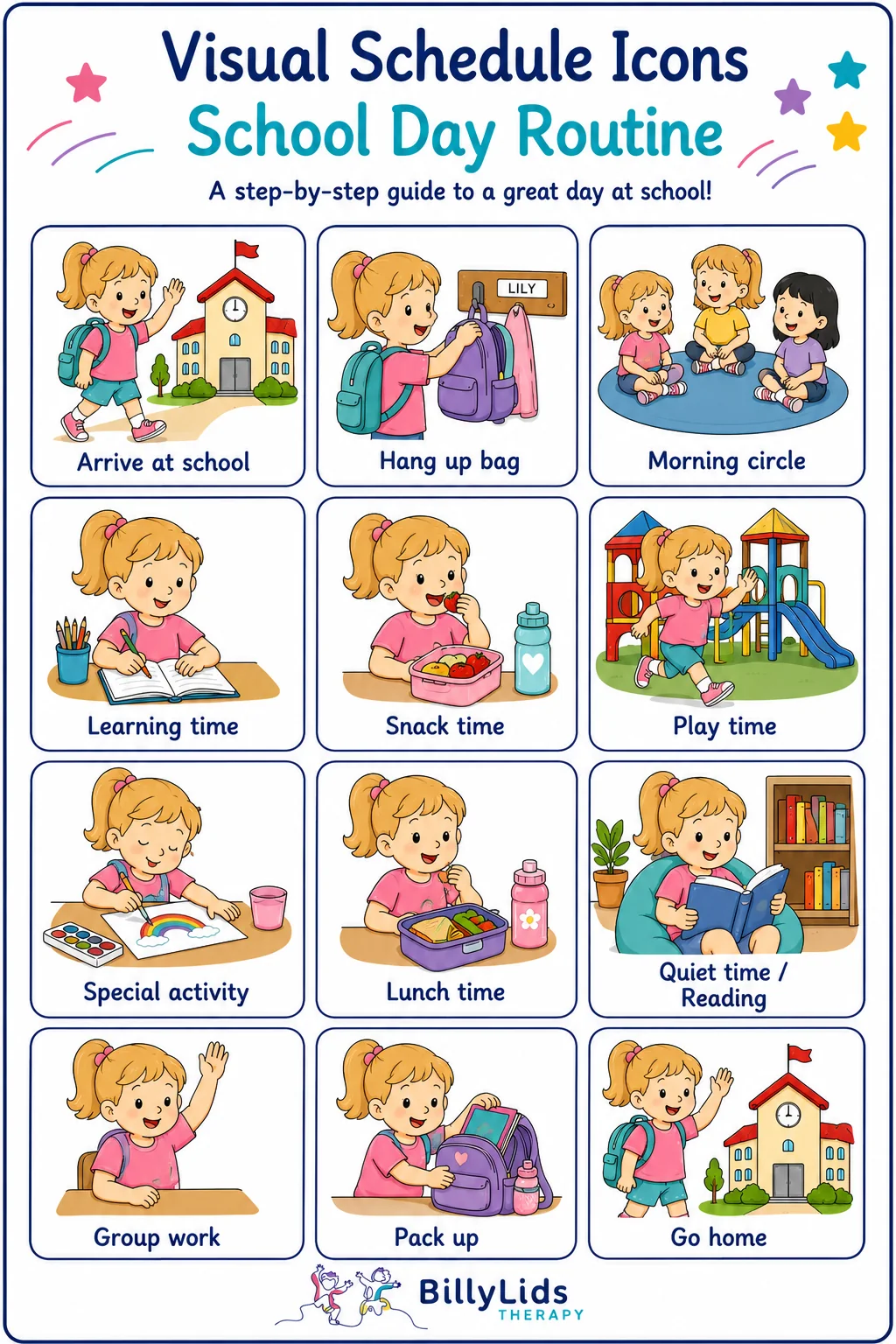
Browse cards for home routines, school, personal care, play and therapy activities. Help, choice and change cards can be used alongside a routine where they are useful.
Choose pictures that the person using the schedule recognises. Use short, familiar labels and check that each picture clearly represents the activity you mean.
Check your finished schedule
Read through the pictures in order before printing. Check that the title and labels are easy to understand and that no important step is missing.
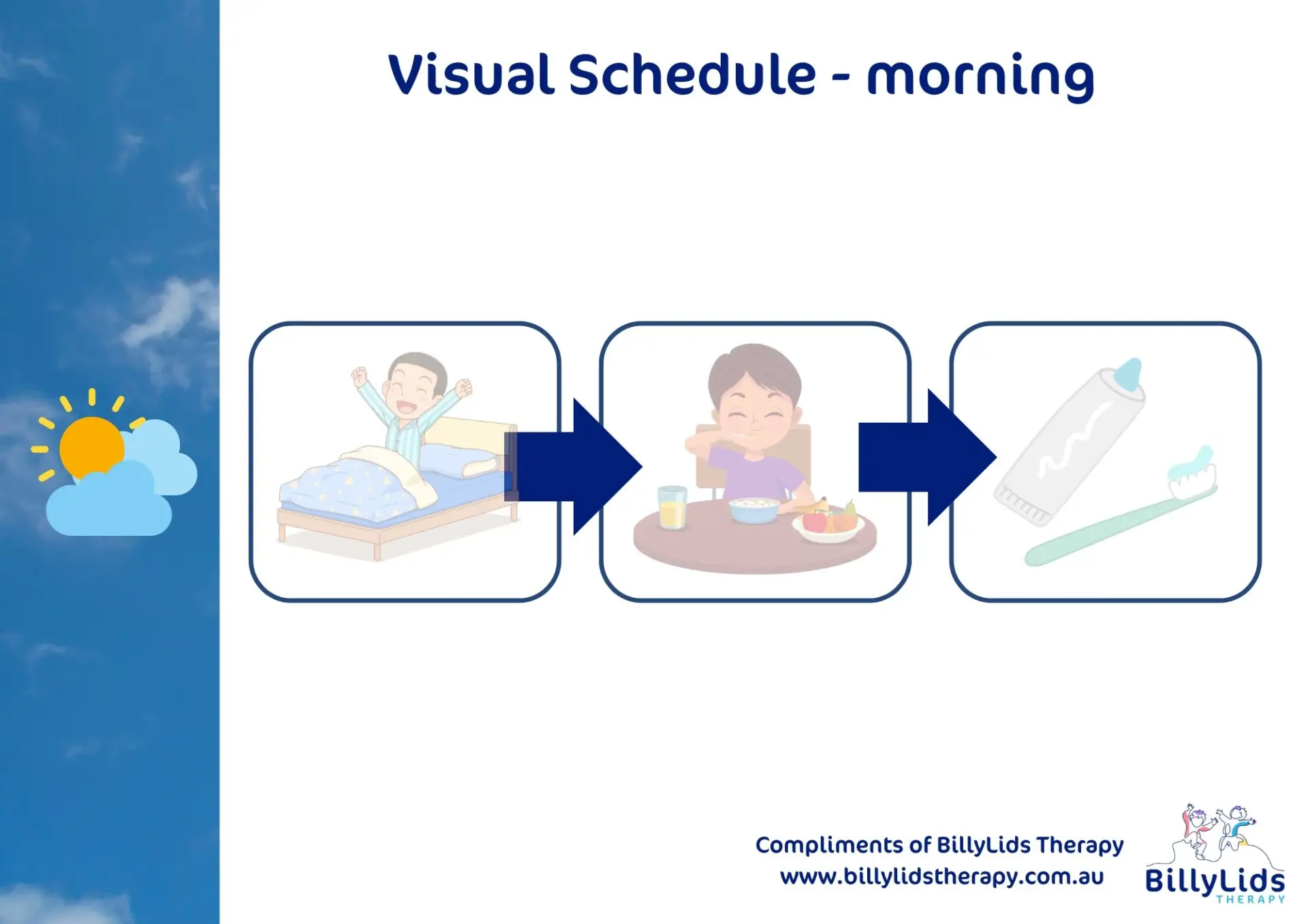
For a longer sequence, use a layout or connected pages that leave enough space for the pictures. Check the reading order across pages as well as within each page.
Print or save your schedule
Open Print / Save PDF to see your device’s print options. Check paper size, orientation and preview before printing. If Save as PDF is available, select it to keep a printable copy.
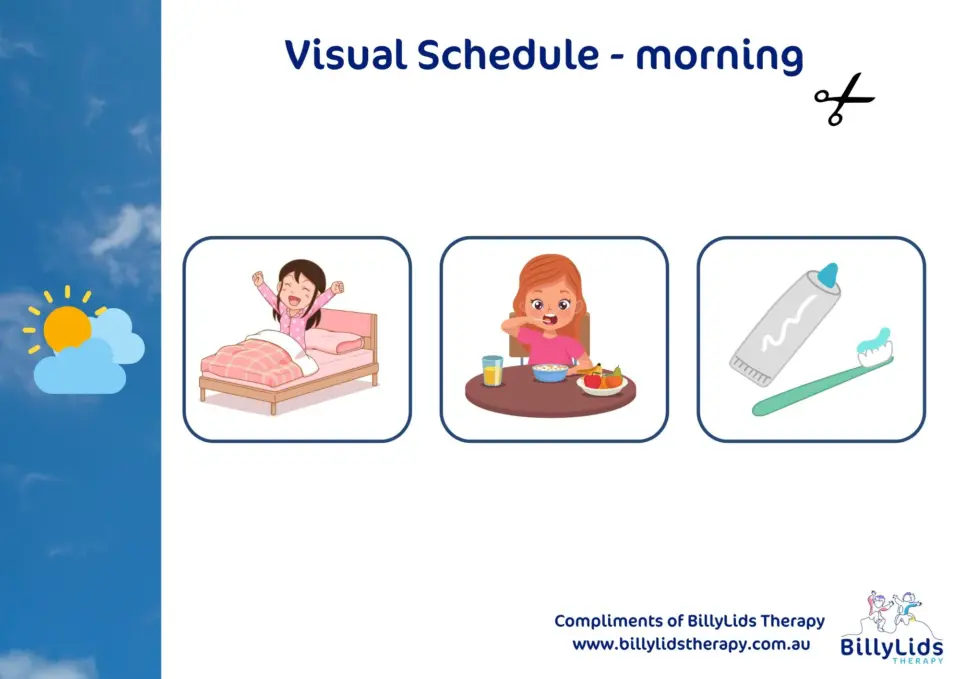
For a reusable board, print and cut out the activity cards and attach them using removable fixings. Keep the board where it will be used.
Help choosing and using a schedule
Start with one useful routine, then adapt it as you learn what works for the person using it.

Frequently asked questions
Is the visual schedule maker free?
Yes. The BillyLids visual schedule maker is free to use.
Can I choose my own activities?
Yes. Choose cards from the library, arrange them in your preferred order and give your board a title that suits the routine.
How many steps can I put on a schedule?
Choose a 3-step, 6-step or 9-icon layout. Select Add page if you need more space.
How do I print my schedule or save a PDF?
Select Print / Save PDF, then check the print preview. Choose your printer, or Save as PDF if your device offers that option.
Will my schedule be saved when I close the page?
Print a copy or save a PDF before closing the page. Keep that copy rather than relying on the page to retain an editable schedule.
Can I use my own photographs?
You can attach photographs or drawings to a blank printed board. The online maker uses the pictures in its card library.
What if the schedule does not fit on the paper?
Check the paper size, orientation and scaling in your device’s print preview. Try Fit to page and check that every step is visible before printing.
